Quick Start - Need-to-Know for Confluence
This article explains how to get started.
Not sure what this app is about? Read more here: Stop “Forever Access” and Automate Least Privilege.
Quick Start Video
This 15-minute video demonstrates the Need-to-Know for Confluence app and macro in action.
You’ll learn
- How to make a Confluence page a Need-to-Know Portal.
- How to configure and activate the portal.
- How usage metrics look like.
- How restrictions are automatically managed.
Quick Start Instructions (Based on the Quick Start Video)
Open a wiki page in Confluence Cloud and add the Need-to-Know macro to it, making this page a Need-to-Know Portal.
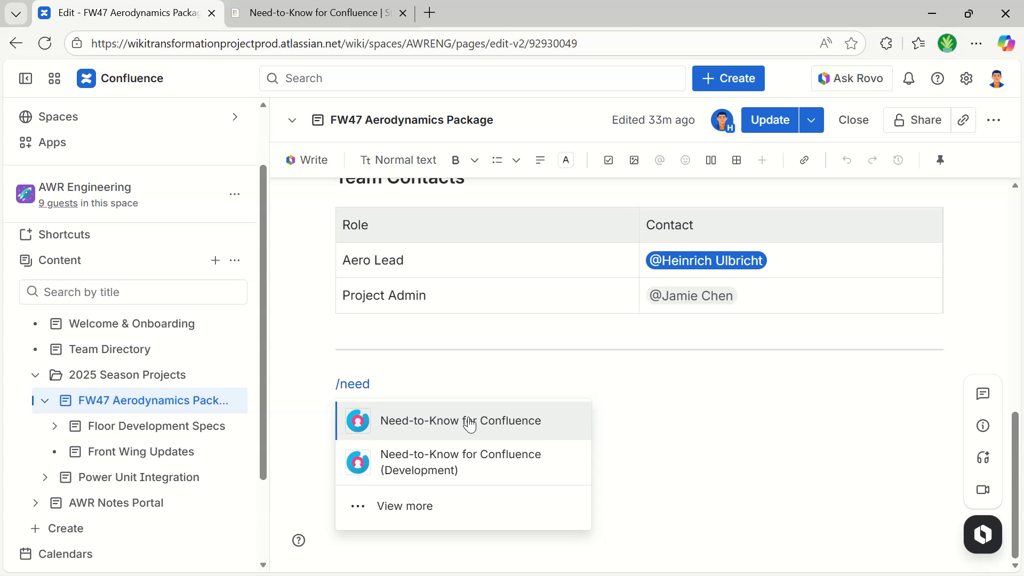
The guided setup is shown.
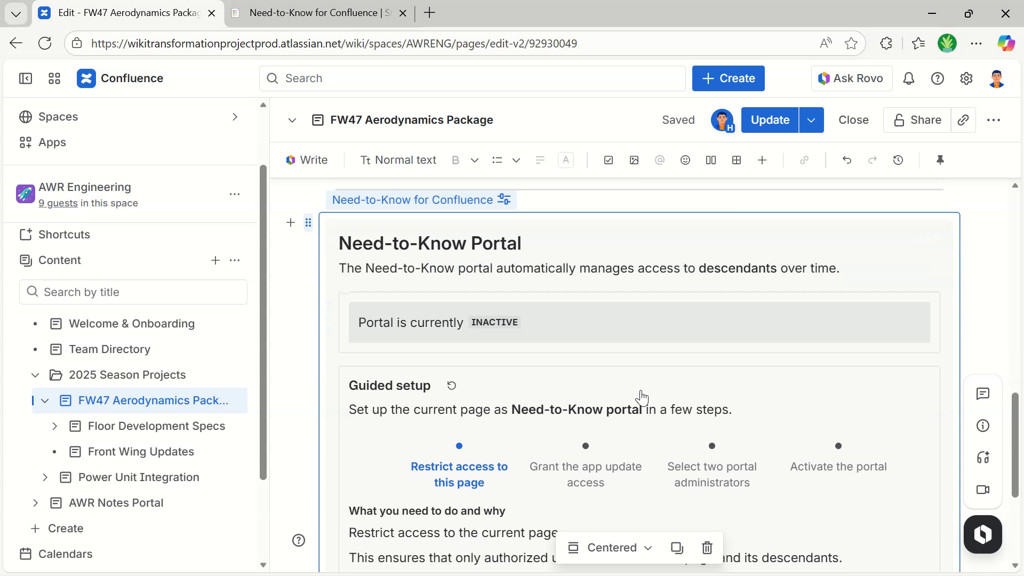
Continue by restricting access to the portal page.
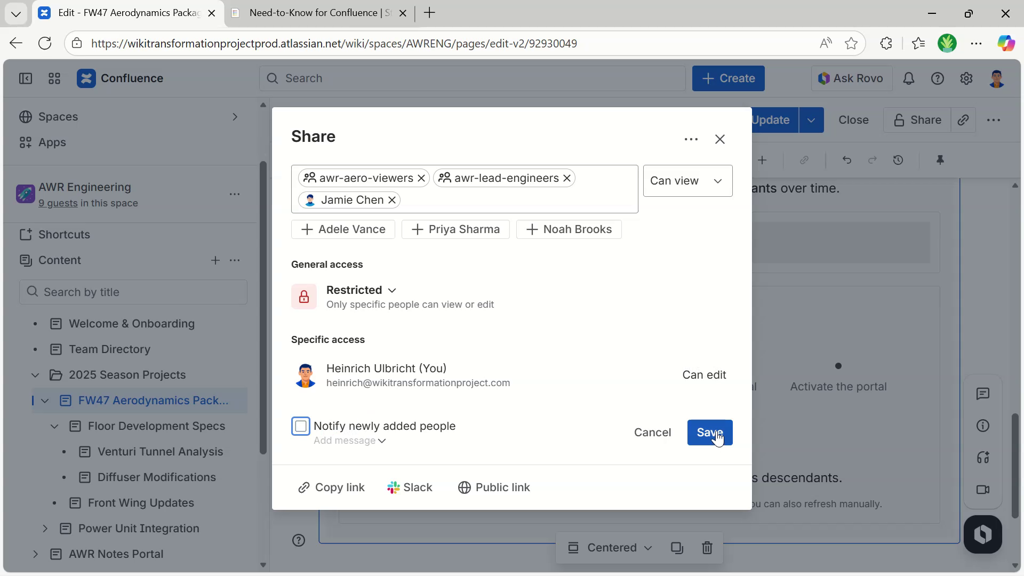
Note: wait a minute, or click the reload button for the guided setup to detect the restrictions.
In the next step, set two portal administrators.

Right when choosing the second portal administrator, the portal activation toggle appears.
Activate the portal using the toggle.
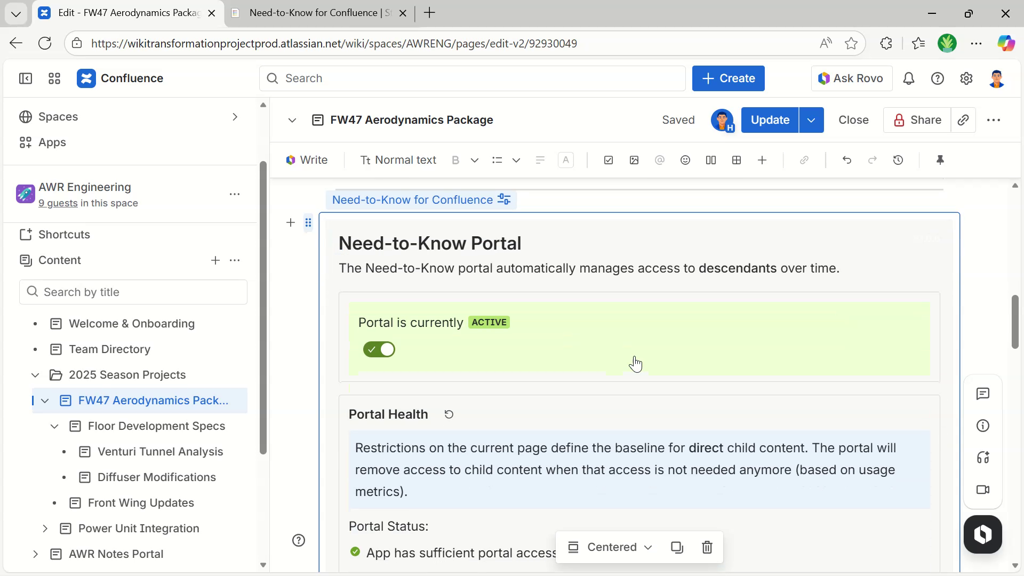
The portal will now start adopting its direct children, managing their restrictions.
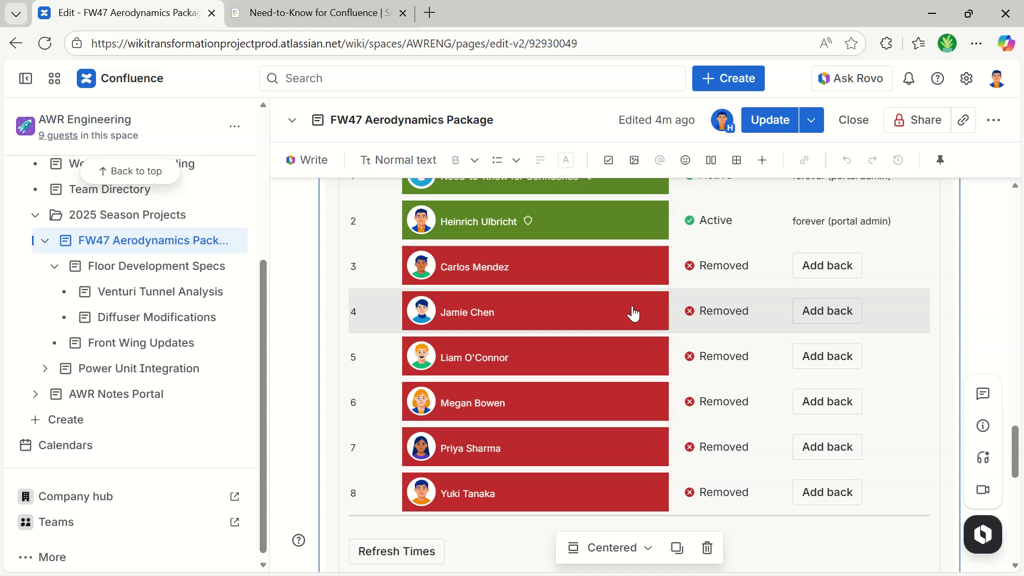
Refer to the quick start video in the previous section (starting at minute 4:20) for more insights into how restrictions are managed, metrics are shown, and how automatic restriction removal looks like.