Need-to-Know for Confluence ends “Forever Access” by turning the need-to-know principle from a half-measure into an automated solution that works.
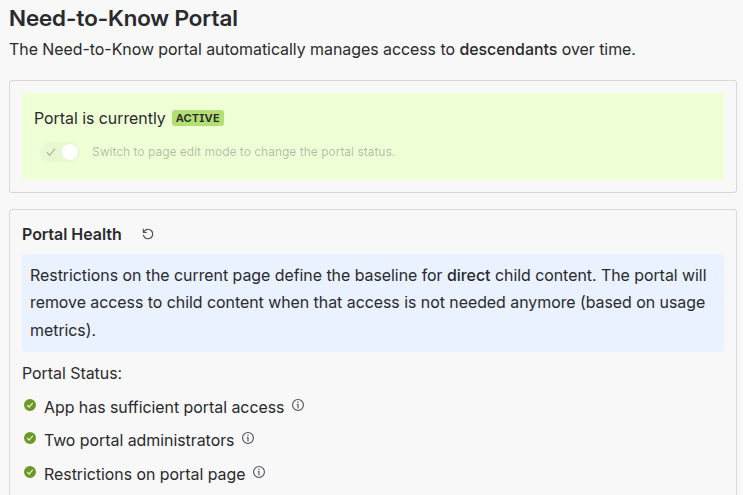
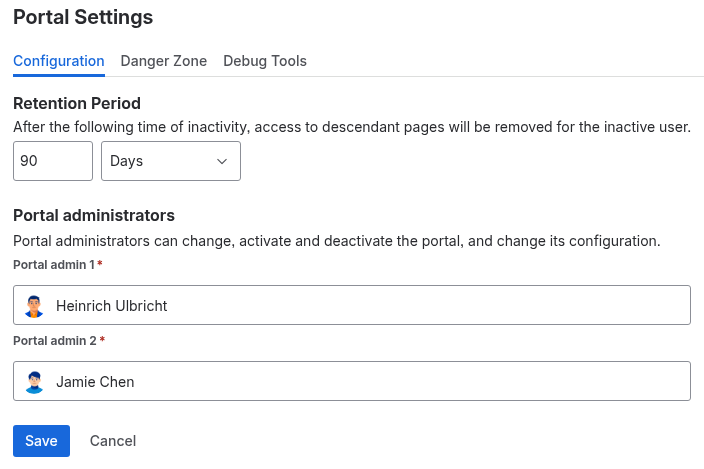
Onboard team members and have the app check if they still need access. You specify a time frame - like 90 days - and when they don't access content, access will be revoked automatically. It's that simple. No manual intervention required.
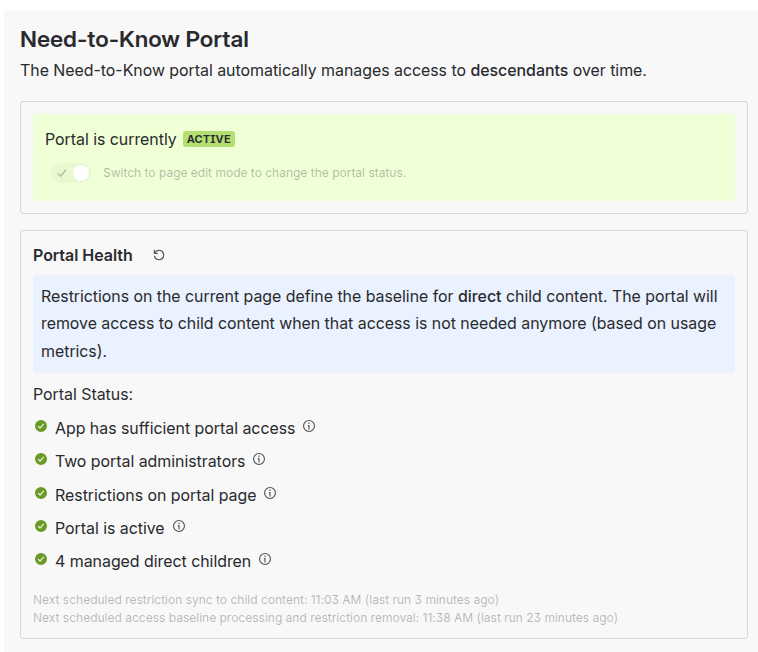
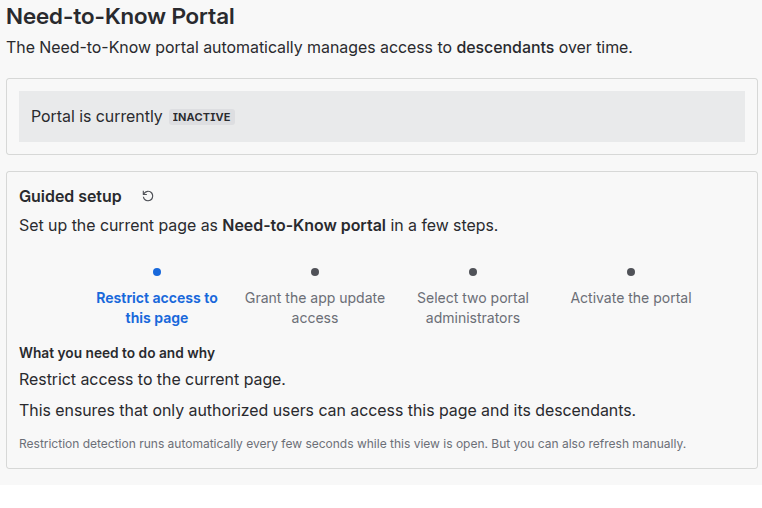
It's lightweight and you use it without any space or app admin. Place the Need-to-Know macro on any page and it will manage all pages beneath it. (Learn how!)
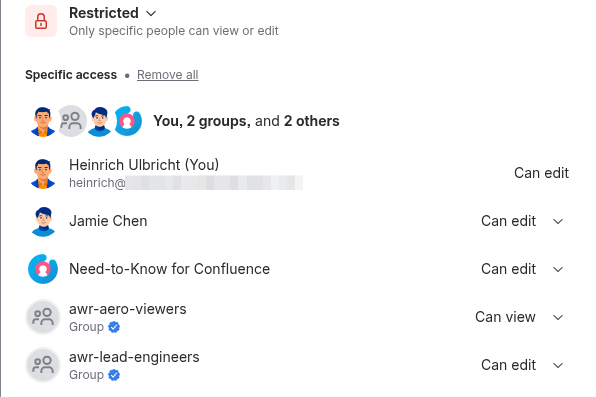
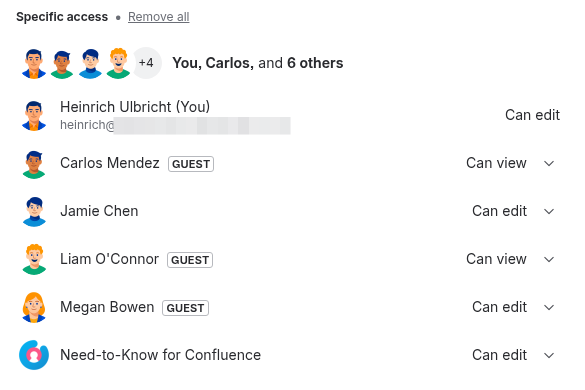
Multiple Need-to-Know portals can be created within the same space. Or in different spaces. You are in control. The app will not grant additional permissions, it just takes care of removing stale access.
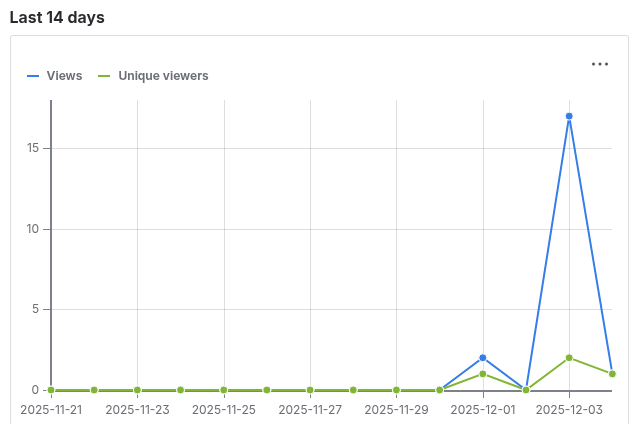
Need-to-Know for Confluence solves permission sprawl. It is also great to prepare content migrations as you can check if content is actually in use based on usage metrics.
Automate Least Privilege
Prune access after inactivity (e.g., 90 days).
Stay Compliant
Stay compliant with automatic access pruning based on inactivity.
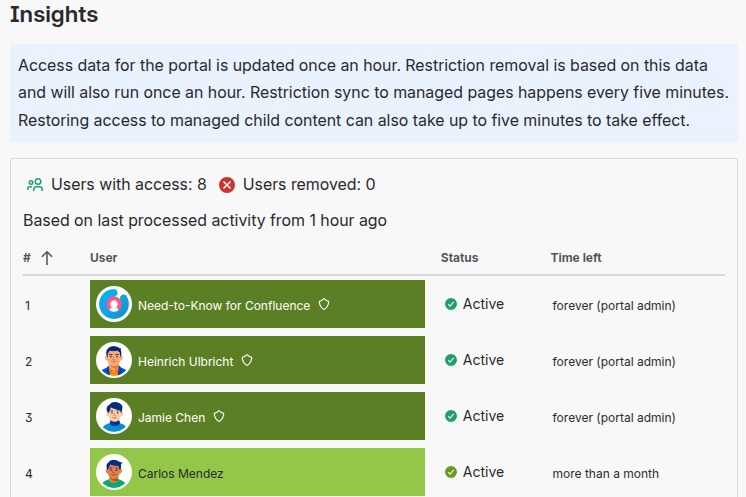
Gain Usage Insights
Decommission confidently by shrinking who actually needs access.
FAQ
- Is this cloud‑only?
Yes. Built with Atlassian Forge for Confluence Cloud. - Can I change the inactivity threshold?
Yes, it’s configurable (e.g., 90 days). - What happens if access is removed by mistake?
Users can be re-added by portal administartors, or any user with update permissions on the portal page.